

Sleep, HRV and Body Battery: How to Read Your Recovery Data
Shop the gear in this story
says 31
 1 / 6
5 to 100
2 / 6nobody else's
3 / 64 / 6run it?
5 / 6training load
6 / 6The Short Version
- Garmin's HRV status compares your seven-day average overnight HRV with your own baseline, not with anyone else's. It needs three weeks of sleep data to start.
- Body Battery runs from 5 to 100 and is built from your HRV, stress, sleep quality and activity.
- Use the two together, and with how you feel. One low morning is a prompt to check in, not a reason to cancel your week.
You wake up, check your watch before you check your phone, and Body Battery says 31. You slept seven hours. You feel fine. There is a tempo run on the plan. Now what?
Your watch is collecting a lot overnight, and some of it is useful for deciding how hard to go. Here is what HRV status and Body Battery measure, what the readings mean, and how to fit them into a training week.

Photo: SportPlus.sg / Isis Ang
Recovery Data at a Glance
| Metric | Built from | What to look at |
|---|---|---|
| HRV status | Wrist heart rate readings while you sleep | Your seven-day average against your own baseline |
| Body Battery | HRV, stress, sleep quality and activity | Your level on waking and how fast it drains |
| Recovery time | Your last activity, then sleep, stress, relaxation and activity | Hours left before your next hard workout |
HRV Status
Garmin's watches read your heart rate variability (HRV) from your wrist while you sleep, and work out your status from your personal, long-term HRV averages.
Garmin's Forerunner 265 manual lists training, physical activity, sleep, nutrition and healthy habits as things that affect HRV, and notes that values vary widely with sex, age and fitness. That is why comparing your number with a training partner's tells you very little.
What the Statuses Mean
- Balanced: Your seven-day average HRV is within your baseline range.
- Unbalanced: Your seven-day average is above or below your baseline range.
- Low: Your seven-day average is well below your baseline range.
- Poor: Your values are averaging well below the normal range for your age.
According to Garmin, a balanced status may indicate good training and recovery balance, greater cardiovascular fitness and resilience to stress. An unbalanced or poor status may be a sign of fatigue, greater recovery needs or increased stress.
Give It Three Weeks
The watch needs three weeks of consistent sleep data before it shows an HRV status, so wear it to bed every night. Garmin also says a valid HRV status helps keep your training status up to date in weeks with fewer outdoor runs.
Body Battery
Garmin compares Body Battery to a fuel gauge for your reserve energy. The watch works it out from your HRV, stress level, sleep quality and activity, on a scale from 5 to 100:
| Body Battery | Garmin's description |
|---|---|
| 76–100 | High reserve energy |
| 51–75 | Medium reserve energy |
| 26–50 | Low reserve energy |
| 5–25 | Very low reserve energy |
On the watch you can see a graph of your level since midnight, with periods of rest, stress and activity marked, and a list of the factors that moved it. That list is often more useful than the number: a late dinner or a stressful day at work shows up here too.
Compare your numbers with your own baseline, never with someone else's.
Where Sleep Fits In
Sleep feeds every one of these numbers. HRV status is read while you sleep, Body Battery uses your sleep quality, and recovery time updates through the day based on sleep, stress, relaxation and activity. A short or broken night will usually show up in all three.
Using the Data in Your Training Week
- When Everything Is Low: If your HRV status has dropped, your Body Battery is low and you slept badly, swap a hard session for an easy run or a rest day.
- When Everything Lines Up: A balanced HRV status and a high Body Battery are a good sign to go ahead with a key session.
- When One Number Disagrees: One low reading on its own is worth noting, not acting on. Look at the trend over several days.
- When Your Body Disagrees: If the watch says you are ready but you have sharp pain, dizziness or feel unwell, listen to your body.
Track Your Recovery with Garmin on ATHLO+
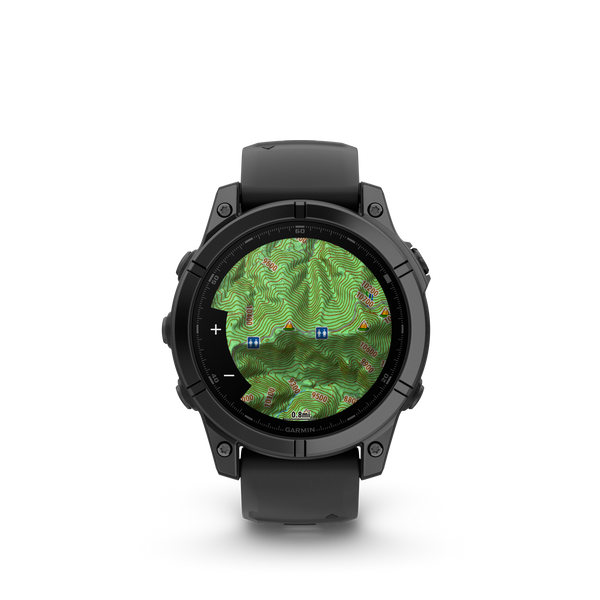
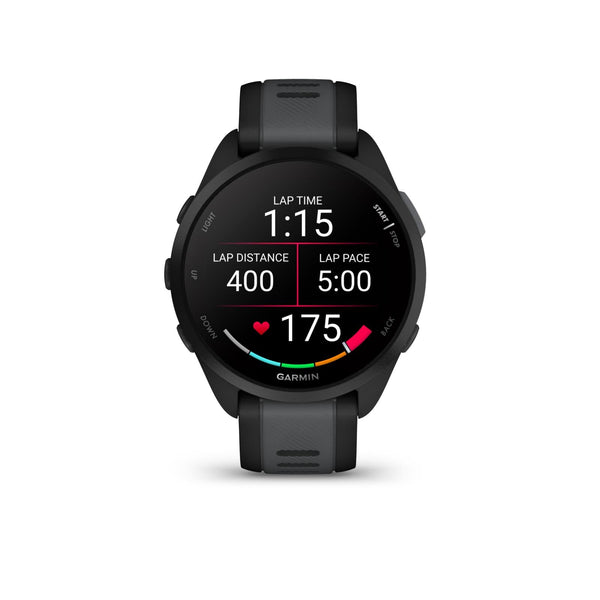
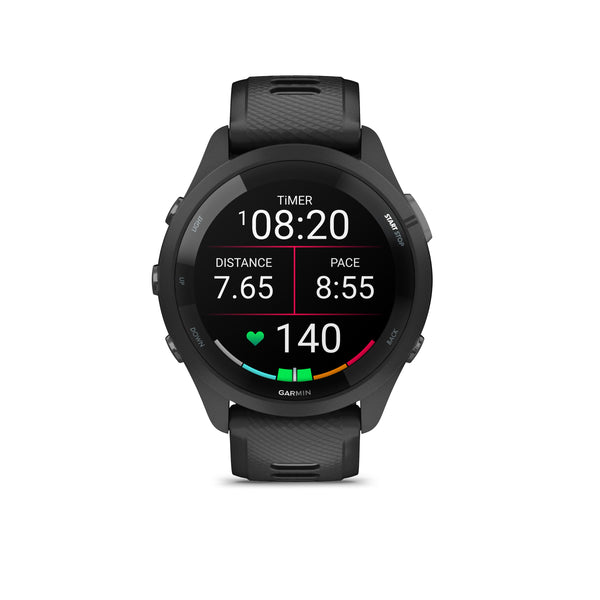
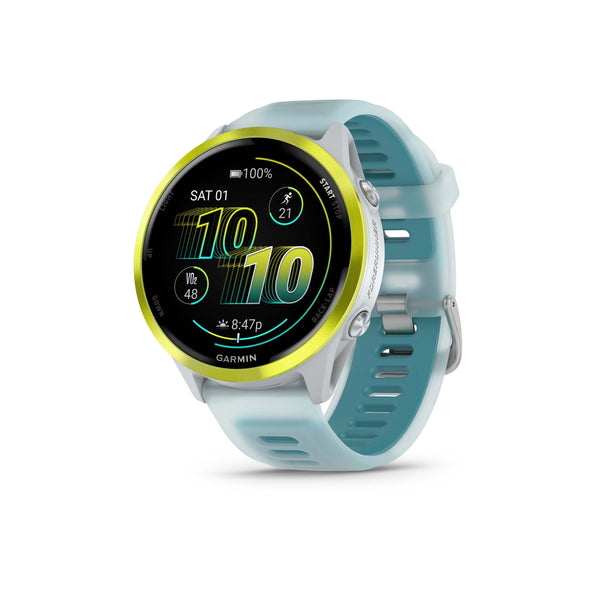
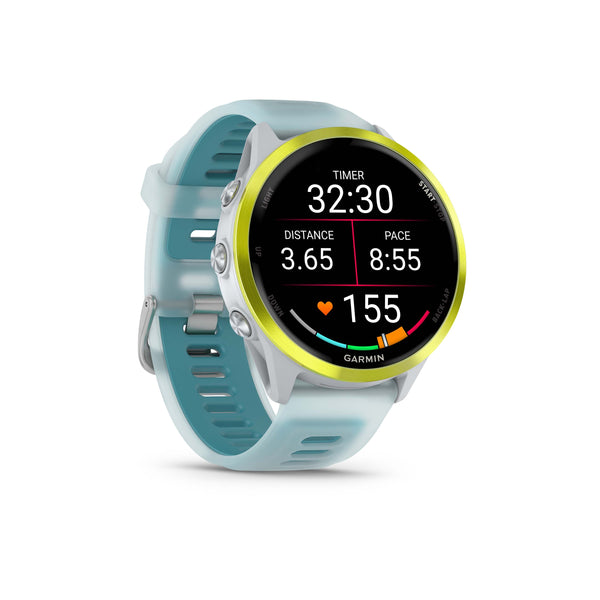
Browse the Garmin range on ATHLO+. The Forerunner 265 is the watch whose manual this article draws on, and it shows both HRV status and Body Battery.
Ready to see how your recovery ties into your training load? Read Training Load and Recovery Time next.
Sources
- Garmin. Forerunner 265 Series Watch Owner's Manual, 2023.
Shop Garmin



More from Learn
 Garmin
Understanding VO₂ Max on Your Garmin: What It Means and How to Move the NeedleConfused by your Garmin VO₂ max score? Here is a plain-English guide to how your watch calculates it,...Read →
 Garmin
Training Load and Recovery Time: How to Read Your Garmin Metrics for Peak PerformanceLearn how to interpret Garmin training load, recovery time, and training status. Master your data to train smarter,...Read →
 Garmin
Gifts for Runners in Singapore: A Christmas Guide by BudgetChristmas gifts for runners in Singapore, sorted by budget: gels, socks, flasks, sunglasses, Garmin watches and a lab...Read →