


your watch
 1 / 7
to check first
2 / 7two plans
3 / 7a marathon week
4 / 7before the start
5 / 7know how you slept
6 / 7The Short Version
- Start your marathon build from the running you are doing now: your recent weekly distance and your longest recent run.
- Avoid big jumps. In a study of 874 novice runners, those who increased weekly distance by more than 30% seemed more vulnerable to distance-related injuries.
- Use your watch to rehearse race day: a PacePro plan for the course, a heart rate alert for easy days and a recurring alert to remind you to fuel.
You have signed up for a marathon, downloaded an 18-week plan, and week one asks for a 20km long run. Your longest run in the last month was 12km. The plan does not know that. Your watch does.
Your GPS watch has months of data on what you have actually been running. Here is how to use it to set a realistic starting point, shape your training week, manage the build and practise race day.

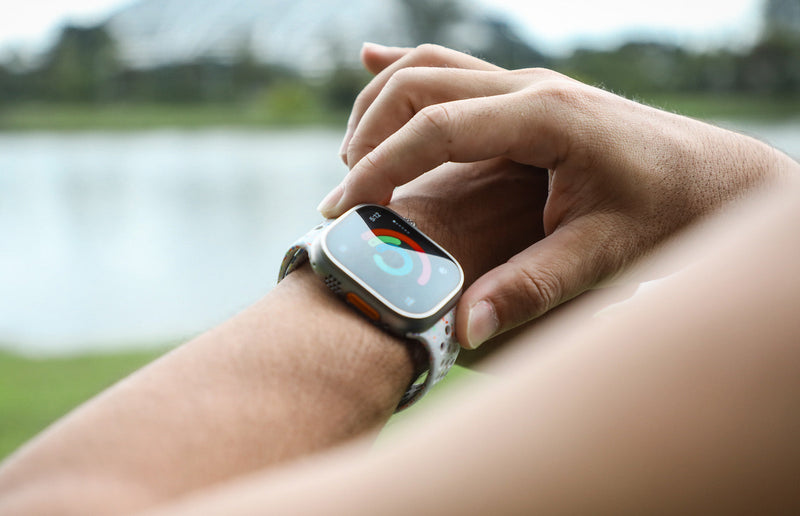
Photo: SportPlus.sg / Isis Ang
A Marathon Build at a Glance
| Step | What to use on your watch |
|---|---|
| Find your baseline | Weekly distance and longest run over the last 4 to 6 weeks |
| Plan your week | Heart rate zones for easy days, pace for race-pace work |
| Manage the build | Acute load and training status |
| Rehearse race day | PacePro, heart rate alerts and recurring alerts |
| Check in each week | HRV status and how you feel |
Start from Your Real Baseline
Before you pick a plan, open your training history and look at two numbers:
- Your Recent Weekly Distance: Average your last four weeks. That is your starting point, not the figure you hope to reach.
- Your Longest Recent Run: If it is 12km, a plan that opens with 20km is asking for a big jump in week one.
If the plan starts well above both numbers, start it later or pick a gentler one.
Four Runs That Make a Marathon Week
| Session | What it is for | What to watch |
|---|---|---|
| Easy run | Building your aerobic base without piling on fatigue | Heart rate, kept in Zone 2 |
| Tempo or threshold run | Holding a strong pace for longer | Pace or heart rate around your lactate threshold |
| Marathon-pace segments | Learning how goal pace feels, and practising fuelling at it | Pace |
| Long run | Time on your feet and a rehearsal of race day | Time and heart rate, mostly easy |
Most of the week should be easy. A 2010 review of how top endurance athletes train found they converge on about 80% of sessions at low intensity, with about 20% made up of hard work. Our guide to heart rate zones explains how to set your easy zone.
Keep Easy Days Easy
Garmin watches let you set a heart rate alert for any activity: the Forerunner 265 manual describes range alerts that notify you each time you go above or below a set range. Set one for your easy zone, so that in Singapore's heat the watch tells you when the effort has crept up.
Manage the Build
The 10% rule says never add more than 10% a week. The evidence for that exact number is weak:
- The Trial: In a 2008 randomised trial of 532 novice runners, a programme built on the 10% rule had almost the same injury rate as a standard one: 20.8% against 20.3%.
- The Big Jumps: A 2014 study of 874 novice runners found no difference in overall injury rates between groups, but those who increased weekly distance by more than 30% seemed more vulnerable to distance-related injuries than those who kept it under 10%.
Your watch can help you spot a spike. Garmin's acute load gauge shows whether your recent load is low, optimal, high or very high, against a range based on your own fitness and training history. If it jumps into high, ease off for a few days. Our guide to training load and recovery time goes into the detail.
A plan written in a spreadsheet does not know how you slept. Your watch does.
Rehearse Race Day
Plan Your Pacing with PacePro
Garmin's PacePro builds a custom pace band from a distance and a pace or finish time. You can also build one for a known course, to adjust your pace for its elevation changes, and preview the splits and elevation plot in the Garmin Connect app before you run it.
Set a Fuelling Reminder
Recurring alerts notify you at a set interval: Garmin's own example is an alert every 30 minutes. Use one on your long runs to remind you to take a gel or a drink, so you practise the routine you will use in the race.
Check In Each Week
Your physiology changes from week to week, even if the plan does not. Look at your HRV status, which compares your seven-day overnight average with your own baseline, and your training status. A run of low or unbalanced HRV, or a training status of Strained or Unproductive, is a reason to swap a hard session for an easy one or a rest day.
Still choosing a race? What's on in Singapore lists the races and running events coming up, refreshed automatically from each organiser's own calendar.
Train for 42.195km with Garmin on ATHLO+
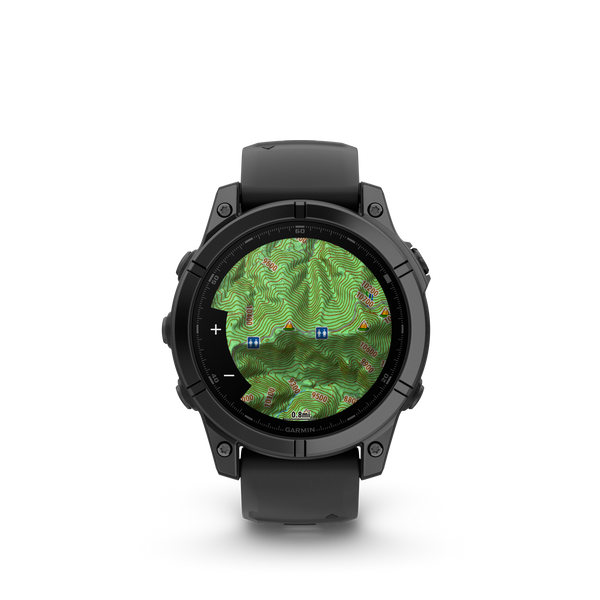
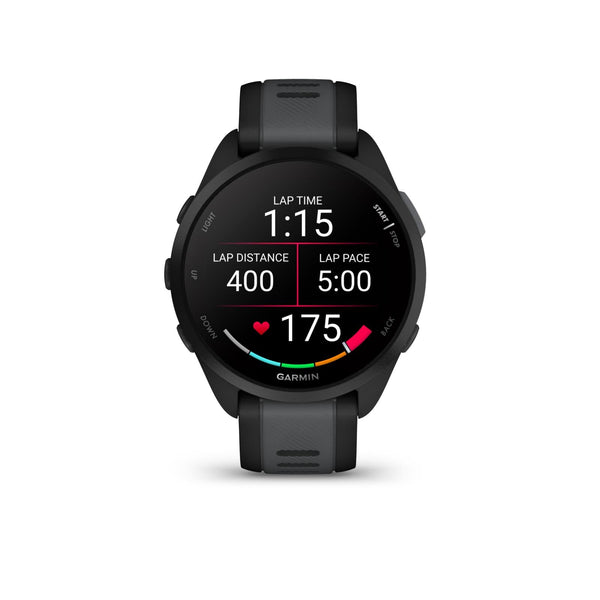
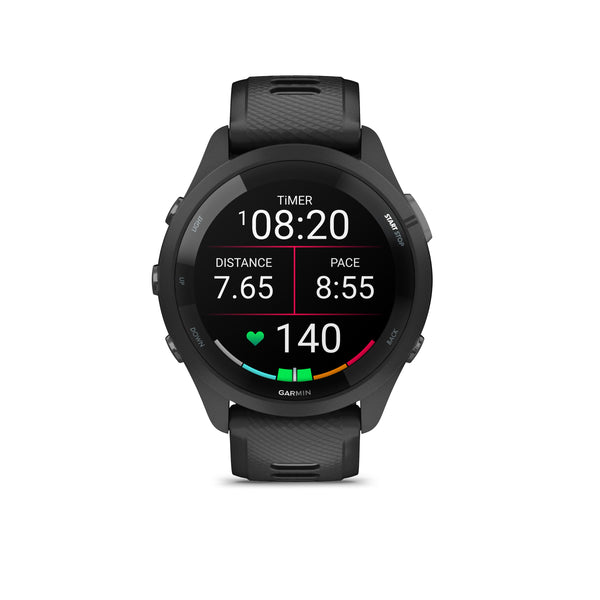
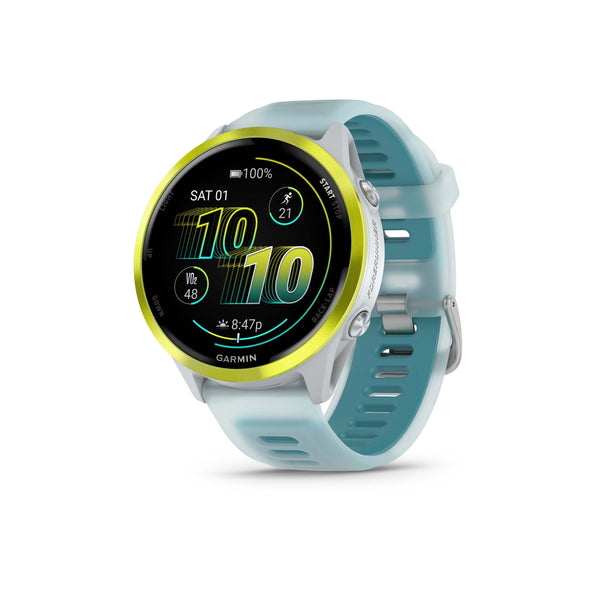
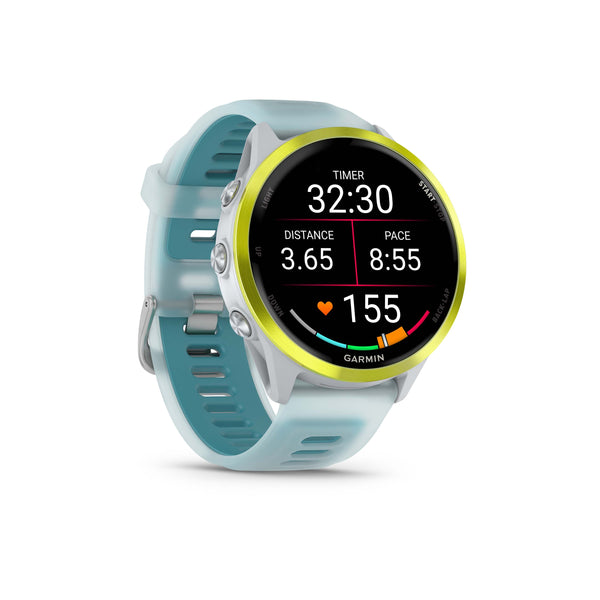
Browse the Garmin range on ATHLO+, including the Forerunner 265 and Forerunner 965.
Ready to find your easy zone? Read Heart Rate Zones Explained next.
Sources
- Garmin. Forerunner 265 Series Watch Owner's Manual, 2023.
- Seiler S. What is best practice for training intensity and duration distribution in endurance athletes? International Journal of Sports Physiology and Performance, 2010.
- Buist I et al. No effect of a graded training program on the number of running-related injuries in novice runners: a randomized controlled trial. American Journal of Sports Medicine, 2008.
- Nielsen RØ et al. Excessive progression in weekly running distance and risk of running-related injuries: an association which varies according to type of injury. Journal of Orthopaedic and Sports Physical Therapy, 2014.
Shop Garmin



More from News
 Garmin
Heart Rate Zones Explained: How to Train Smarter With Your Garmin Sports WatchStop turning easy runs into hard workouts. Learn how heart rate training zones work, how to set them...Read →
 Apparel
How to Prevent Chafing When Running: What to Wear and What to DoStop chafing before it ruins your long run. Learn why running chafing happens, how to choose anti-friction apparel,...Read →
 FORGED by ReFormd
Lab Testing vs. Your Watch: How Accurate Are Wearable VO₂ Max Estimates?The Short Version Across 14 studies, watches that estimate VO2 max from exercise were close on average, but...Read →